Available in Piebald Pro If you have a lot of chats, it can be helpful to assign tags to them. You can filter chats by their assigned tags, and they can tell you at a glance what areas a particular chat are about. Tags are created in Settings → Chat Tags. Chat tags require Piebald Pro.Documentation Index
Fetch the complete documentation index at: https://docs.piebald.ai/llms.txt
Use this file to discover all available pages before exploring further.
Automatically creating tags
Tags can be automatically assigned to a new chat by an AI when it generates a title for it. The system prompt for the Title & Tag Generation built-in profile must include instructions to generate tags. By default it does; if it doesn’t, click “Reset to Default” to reset it to a default system prompt that includes the instructions. Here’s a screenshot of the title/tag generations model suggesting a new tag: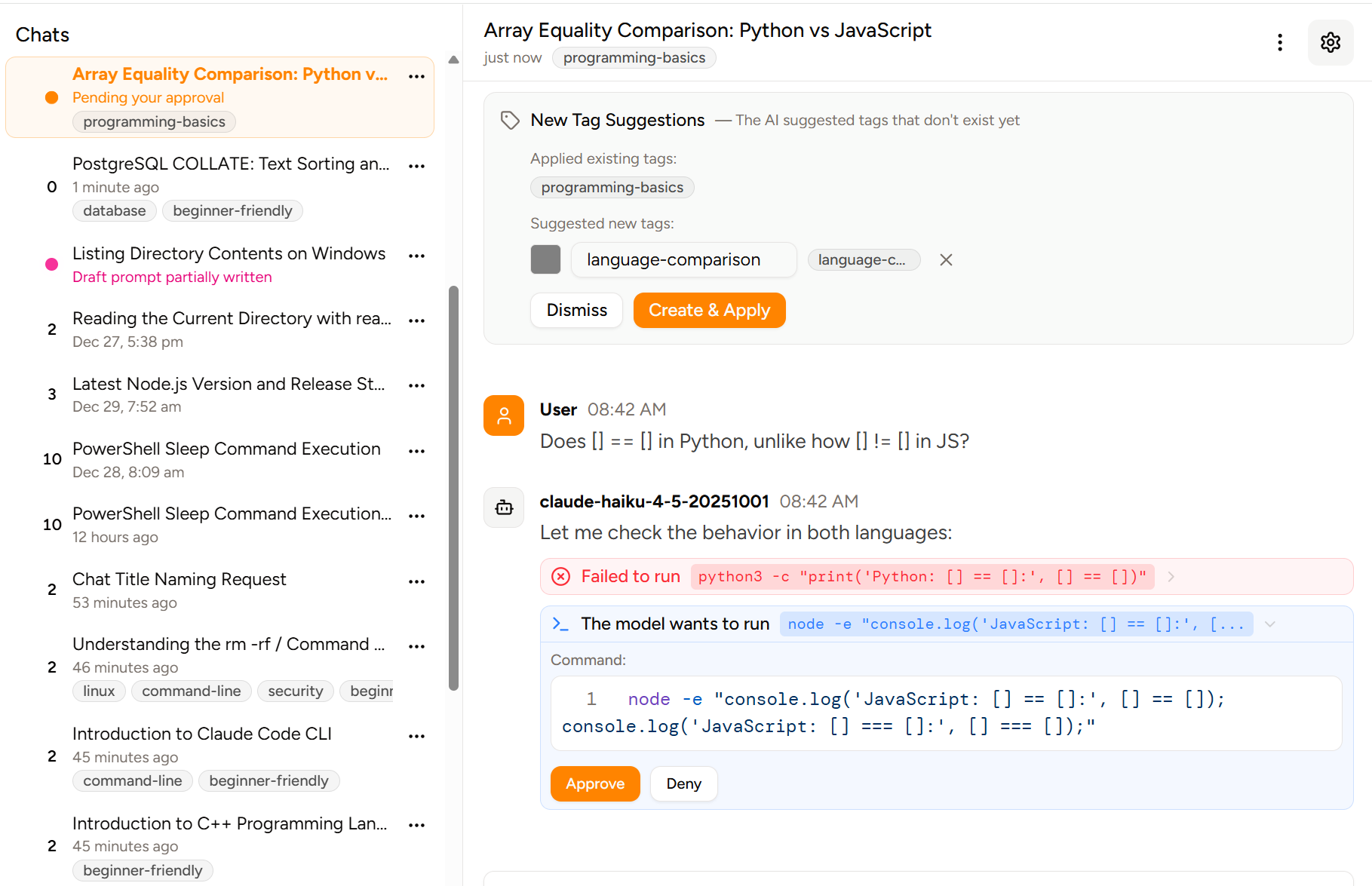
Filtering chats by tag
If you have tags created and assigned to chats, you can filter chats by tags. Click the icon in the top-right corner of the chat sidebar and select the tag or tags to filter by: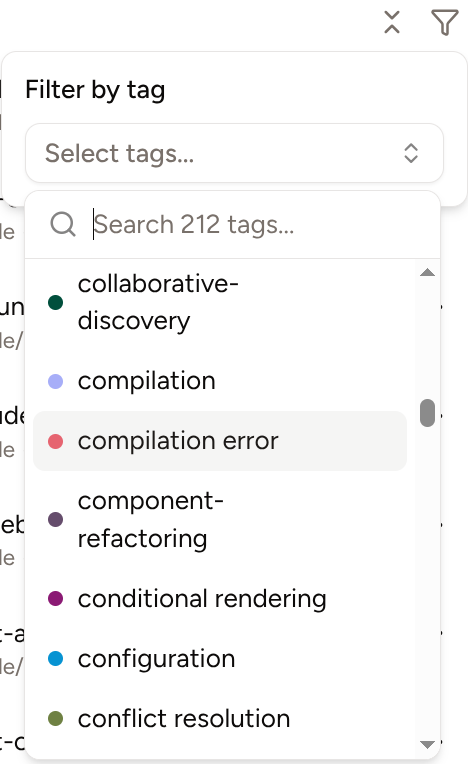
Manually tagging a chat
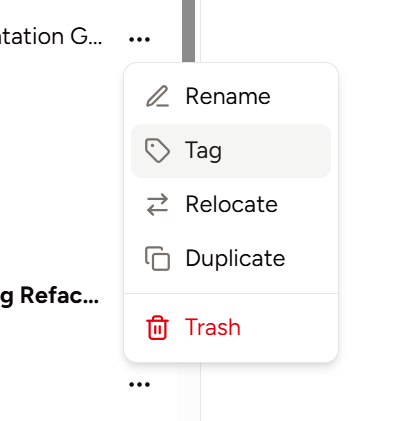
If you’d like to manually assign a tag to a chat, click on the icon on a chat in the sidebar and choose Tag. There must be some tags created in the settings beforehand.