

- Go to Settings → Providers → New Provider → GitHub Copilot → Sign in with GitHub
- Choose “GitHub.com”
- Copy the code displayed on screen
- Open the URL in your browser (https://github.com/login/device)
- Sign in to your GitHub account if you’re not already signed in
- Paste in the code and click Continue
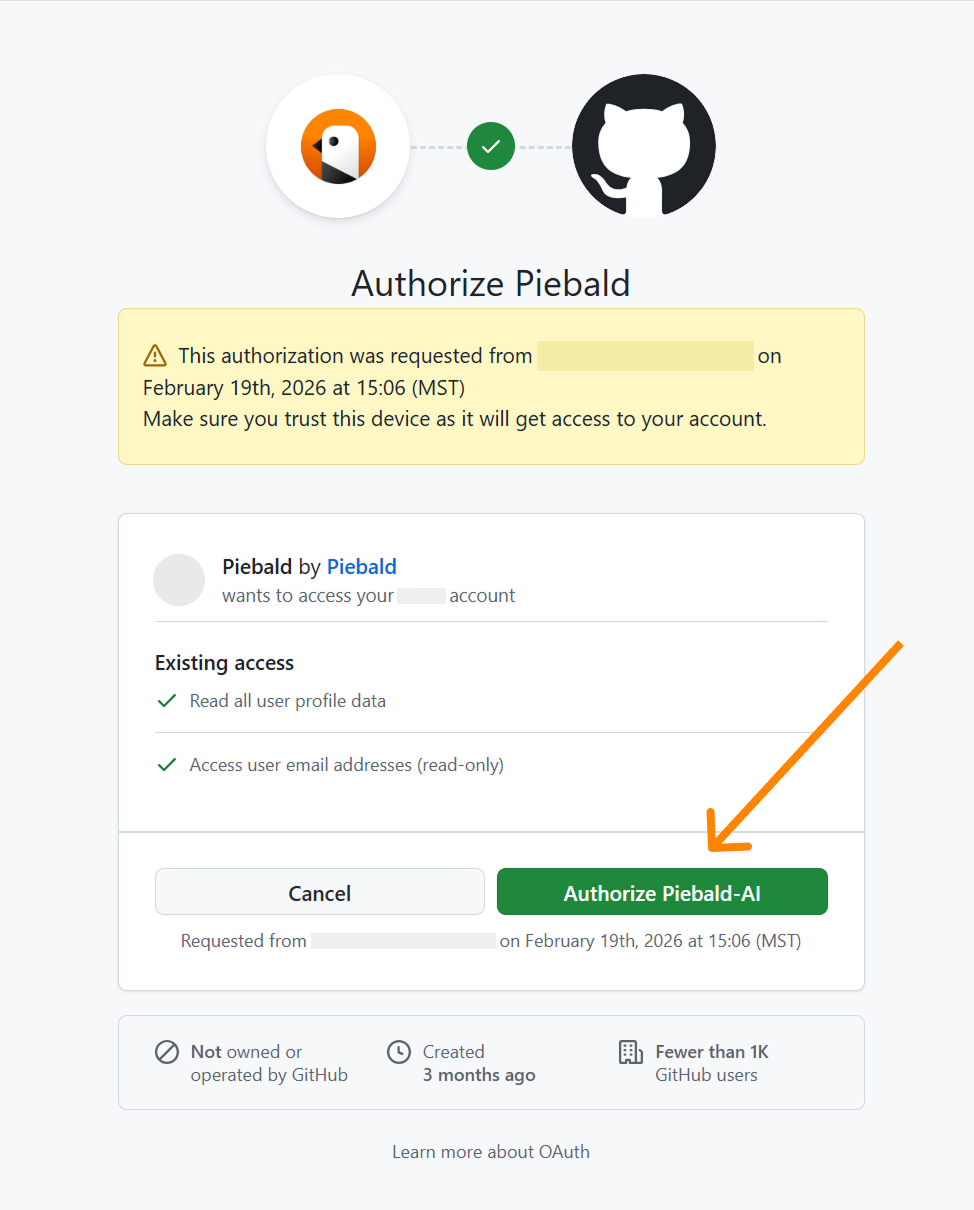
- You’ll be asked to grant the @Piebald-AI organization read-only access to your GH account. Click “Authorize Piebald-AI”:
- Go back to Piebald and wait for a few seconds for the authentication finish