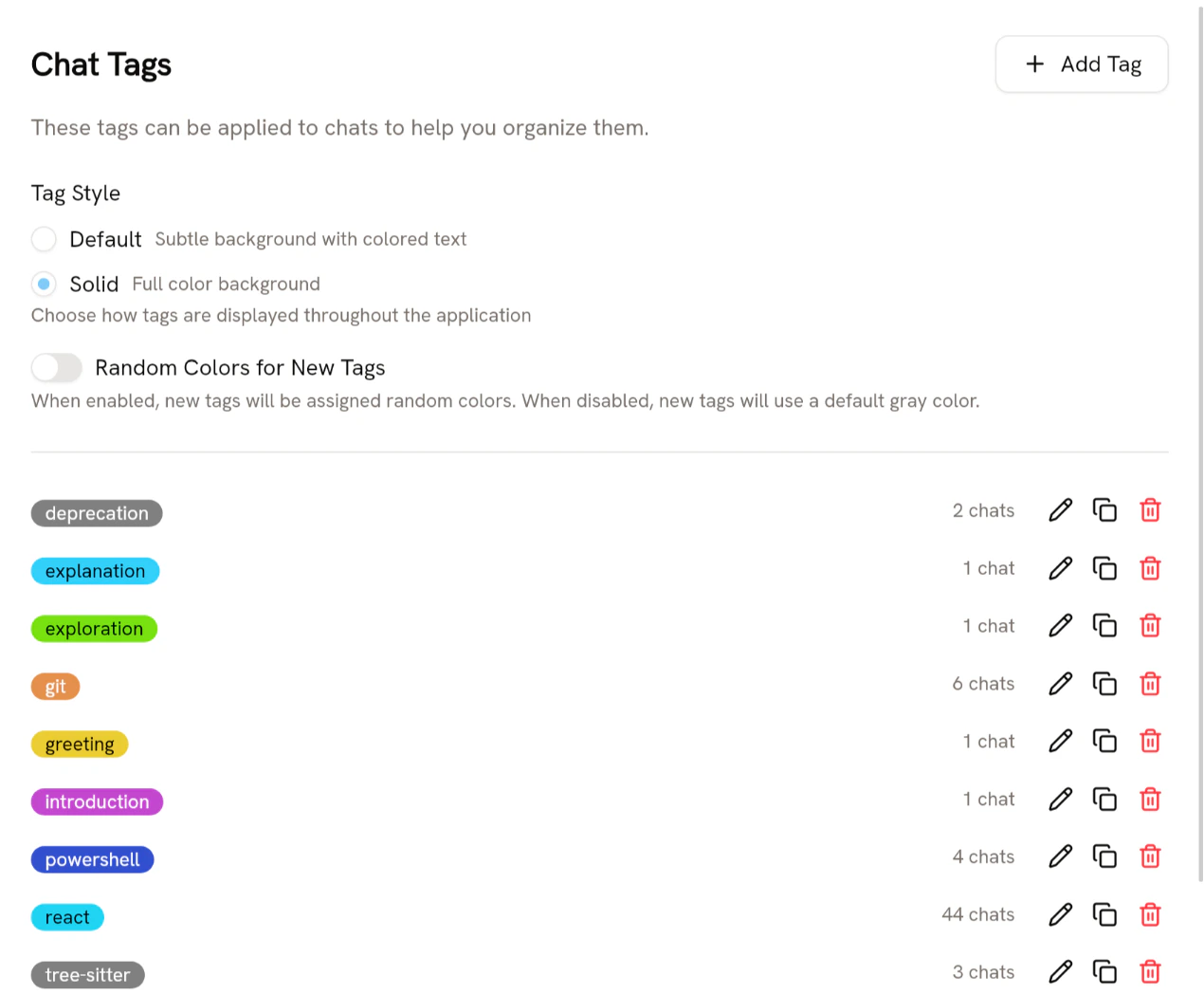
To create, rename, duplicate, change the color, or delete tags, go to Settings → Chat Tags. There you can also see how many chats use your tags. chat_tag_management_panel.png

Merging tags

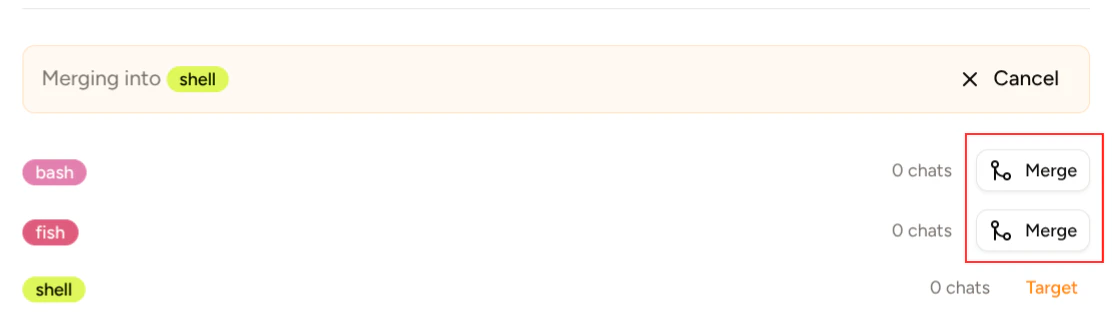
Piebald allows you to merge one tag into another. Hover the tag and click the merge button: chat_tags_start_merge.png Then choose a tag to merge into, and click Merge: chat_tags_complete_merge.png Clicking Merge on the fish tag would merge it into the shell tag; at the end, there would only be the bash and shell tags.

Project-specific tags

If you have some tags that make sense in only certain projects but that don’t make sense globally, you can create a tag on that specific project. Hover the project, click the settings icon, and select Settings. project_settings_button.png
