Clickable file references
Available in Piebald Pro File or folder paths that the model references in its responses can be highlighted with a colored file-type-specific icon and made clickable. Clicking on them will open the file or folder in the integrated code editor. Hovering over a reference will load the file and show it with syntax highlighting, similar to file-@mentions: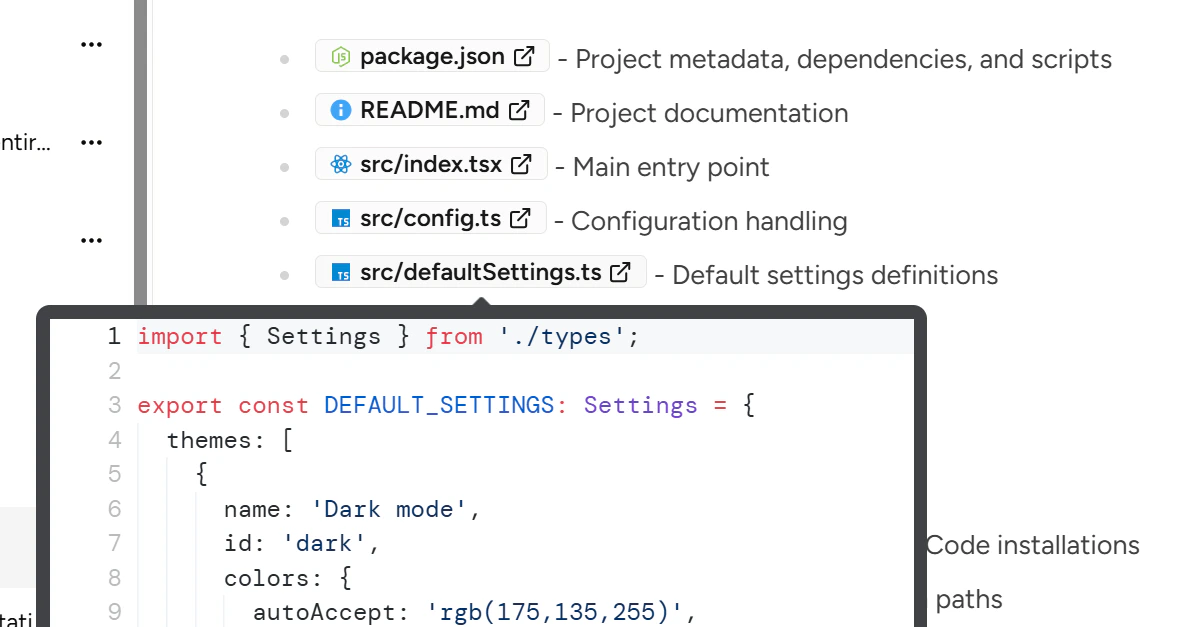
Markdown admonitions
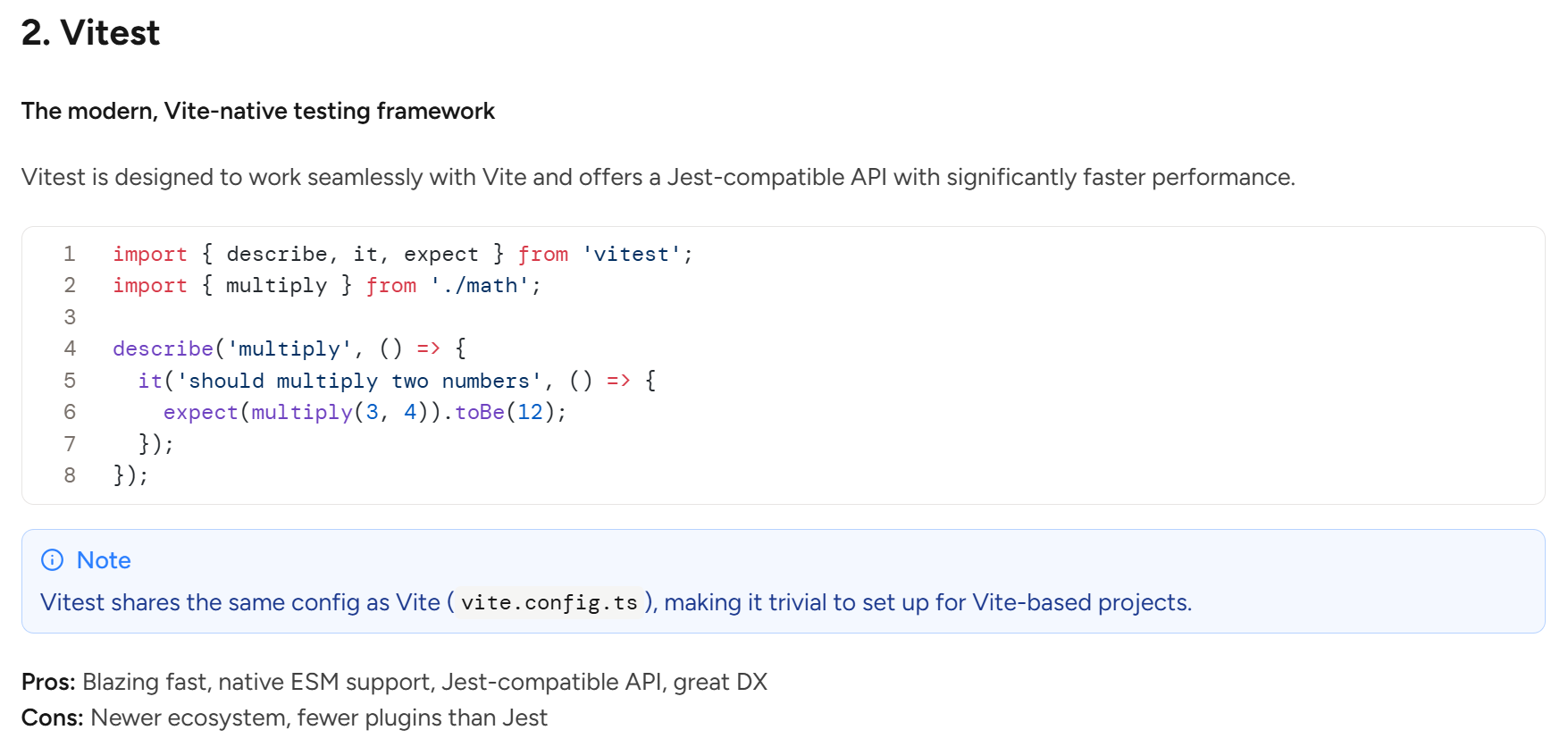
Available in Piebald Pro It’s common for markdown renderers to support what are known as admonitions, callouts, or alerts. They’re useful for things like notices or warnings in documentation. The syntax is similar to the blockquote syntax (>) but with an additional marker:
Getting the model to use admonitions
For now, you’ll need to explicitly tell the AI to use admonitions in order for it to use them—by default LLMs don’t typically output admonitions unless told to. For example, you could create a profile and add “Use> [!TYPE] admonitions in your responses when appropriate.”
However, in the near future we plan on making a more intuitive UI for enabling the model to use these and other markdown features. Imagine a toggle or checkbox labeled “Use admonitions” in a dropdown labeled “Additional markdown features,” for example.
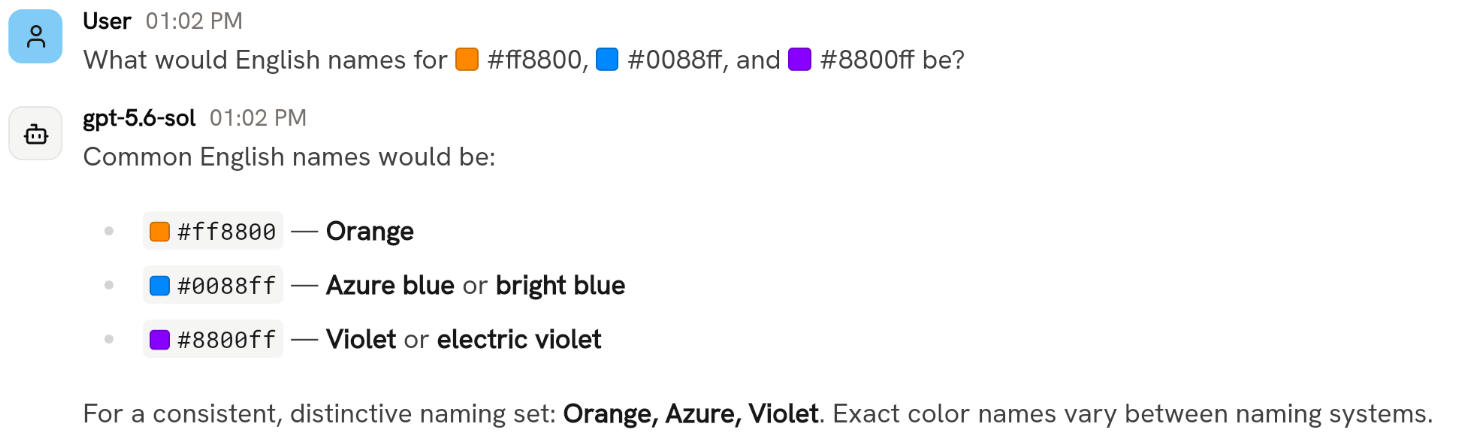
Color swatches
When you or the model uses a hex, HSL, or RGB color in a message, Piebald automatically detects it and displays a small color swatch of that color next to the text.