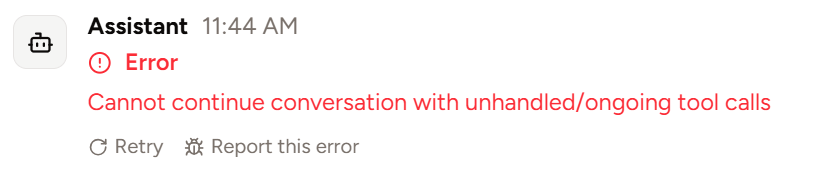
Reporting generation errors
When an error occurs during message generation, you can optionally report the error via a convenient “Report this error” button under the error message. This is especially helpful when the error is a Piebald bug, because you can optionally choose to attach the entire content of your chat to the feedback, which will enable us to debug the problem much more easily. Data submission is subject to our Privacy Policy.