Accent color customization
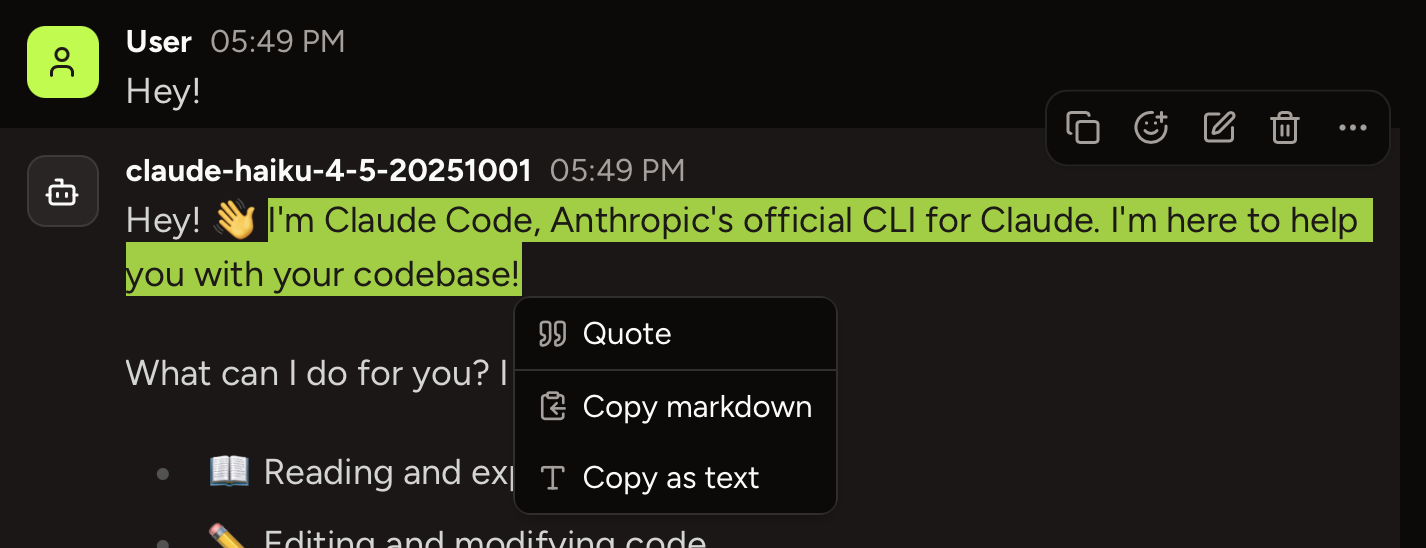
Available in Piebald Basic (Free) In Piebald, you can change the orange accent color to any other color, which will then be used for all buttons, tool calls, and active items such as sidebar items and inputs. You can customize the accent color used in light mode and dark mode separately. The foreground color will be black or white depending on the lightness of the color you’ve chosen. Here’s a demo of the light mode and dark mode accent colors being customized: The text selection/highlight color is also affected by the accent color that you choose: