Smooth streaming configuration
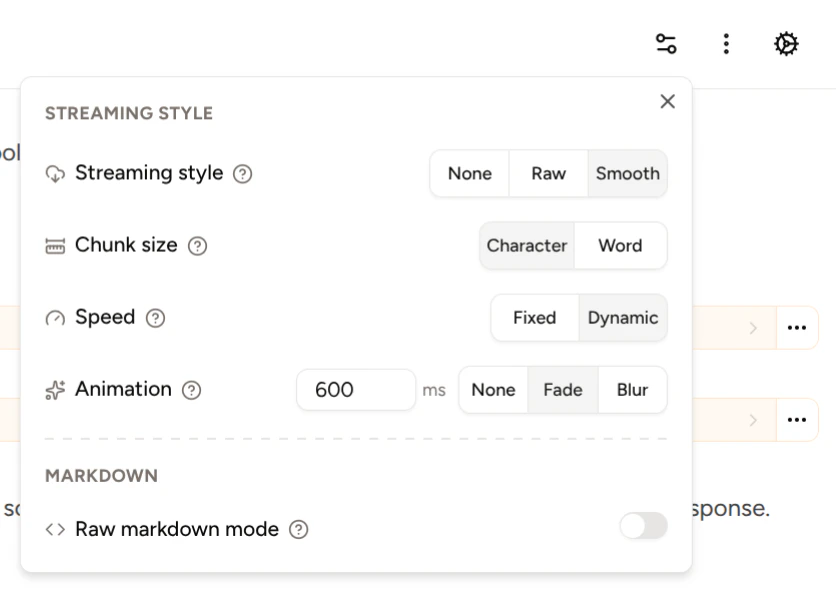
You can customize the way text is streamed to the chat view.- Streaming type: Choose None for no streaming, Raw for streaming exactly as the upstream provider streams tokens, and Smooth for the customizable streaming experience.
- Streaming speed: Set a fixed speed in milliseconds (e.g. 100ms) or dynamic speed to stream at the speed that tokens are generated by the upstream provider.
- Chunk size: Set whether to stream by character or by word.
- Animation: Choose no animation, a fade animation, or a blur animation.
- Animation speed: Set the animation speed to a fixed speed in milliseconds.


Raw markdown mode
Available in Piebald Basic (Free) You can view raw markdown text content directly, instead of having it rendered as rich text. Open the Configuration dropdown and enable Raw Markdown mode, and markdown text content will be syntax-highlighted and displayed instead of rich text.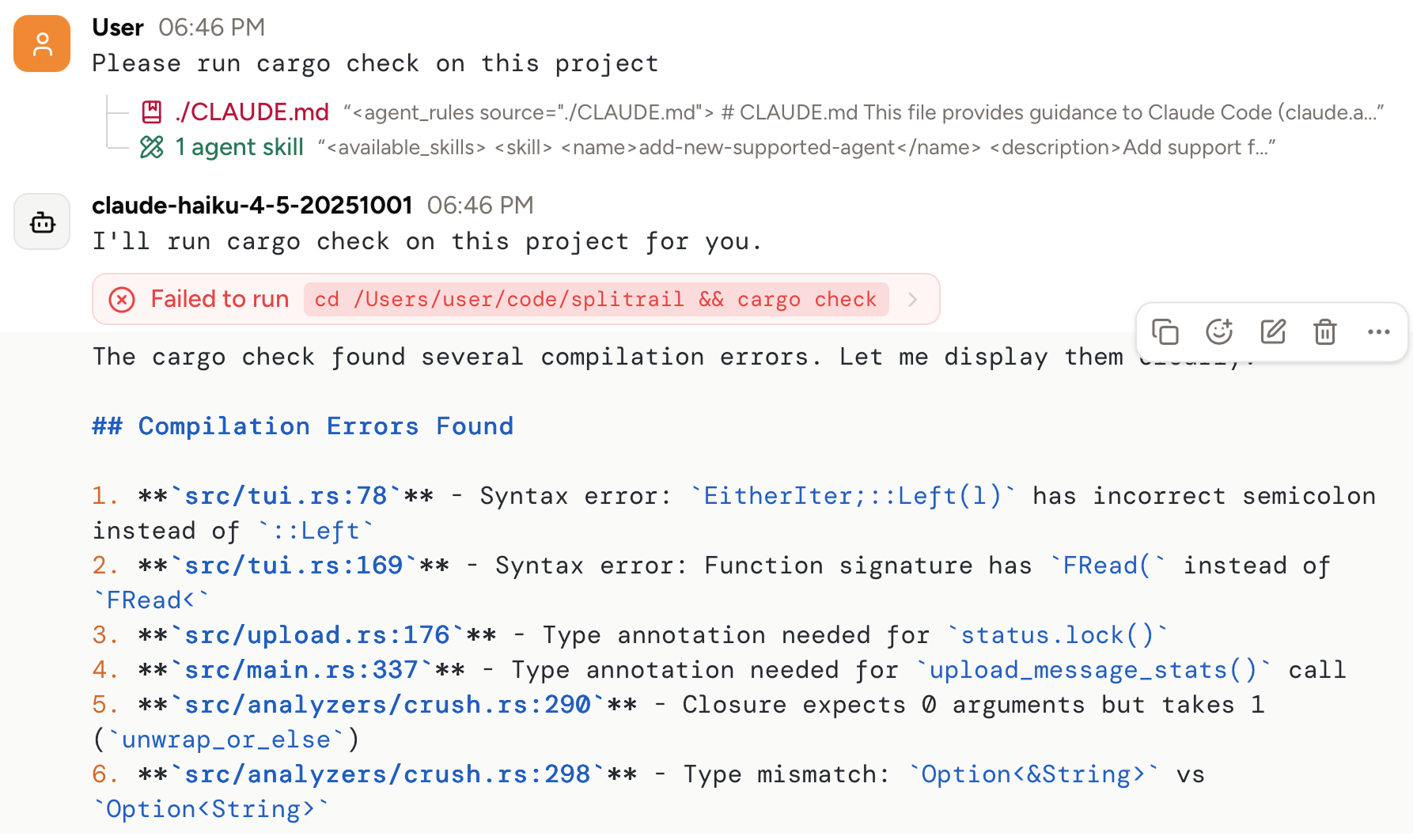
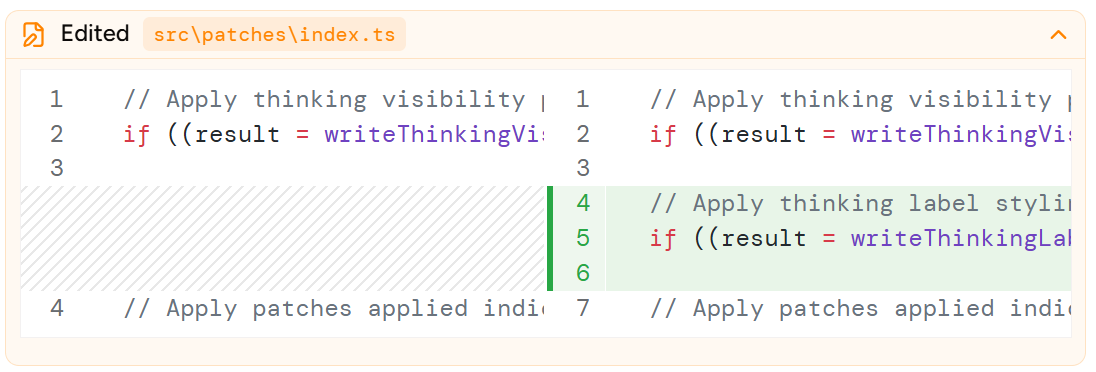
Using @pierre/diffs for file edit diffs
Available in Piebald Pro By default, Piebald uses Monaco editor, the same editor that powers VS Code, to render diffs when the model creates or edits files. Here’s an example: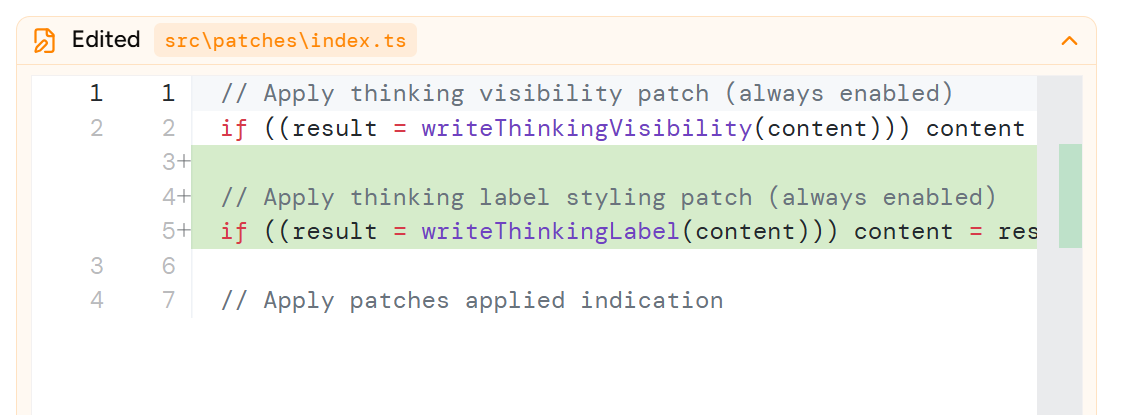
@pierre/diffs: