

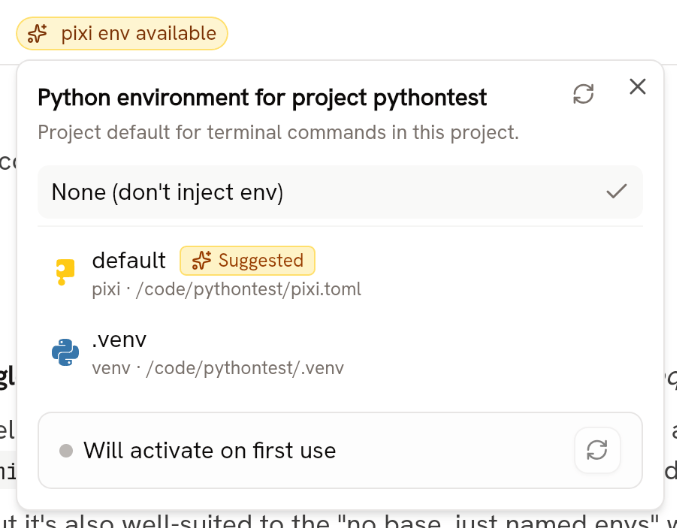
conda or a venv) globally or in your project folder, it provides a menu to activate an environment for use in future RunTerminalCommand tool calls. For example, if you have a venv in your project and you’ve activated that venv in Piebald, Python scripts that the model runs will have access to all packages installed in that venv.
Piebald currently supports the following Python environment managers:
condapiximicromamba- venvs (through
uvorpip)
Usage
Piebald automatically detects and displays a menu of all global and project-specific Python environments. When there are Python environments available, a badge is added to the top chat bar: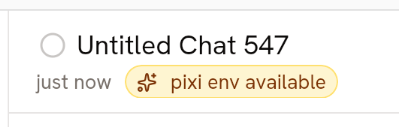
Getting environment variables
Piebald gets environment variables from your environment by executing a command using the Python environment manager’s CLI. On Windows:condaenvironments:conda run -p <prefix> cmd /c setpixienvironments:pixi run -e <env name> cmd /c setmicromambaenvironments:micromamba run -p <prefix> cmd /c set
condaenvironments:conda run -p <prefix> envpixienvironments:pixi run -e <env name> envmicromambaenvironments:micromamba run -p <prefix> env
RunTerminalCommand tool calls.