

Agentic
MCP server/tool enablement
Available in Piebald Basic (Free)
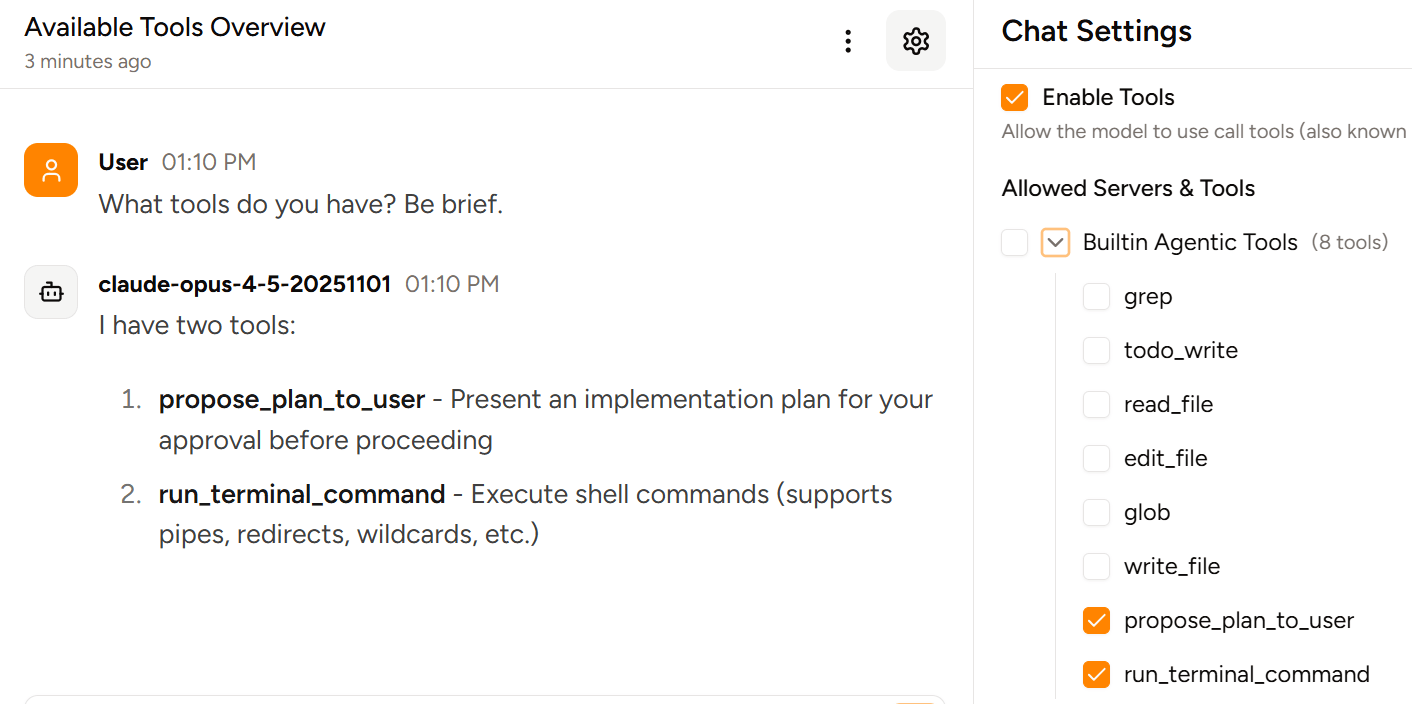
Piebald allows you to disable individual MCP servers and tools or tool use altogether.
In a chat, open the configuration sidebar by clicking the icon in the top-right corner, go to the Configuration tab, and scroll to the bottom. You’ll see a list of all enabled MCP servers and their tools: