Configuring summarization and compaction
There are many facets of the summarization process and compaction that can be configured.- The provider and model used to generate the summary can be configured from Settings → Context Compaction → Provider and Model.
- The system prompt, temperature, and other hyperparameters used to generate the summary can be configured using the builtin Context Compaction profile from Settings → Profiles.
- Auto-compaction can be enabled from Settings → Context Compaction → Enable Auto-Compaction.
- Remaining context window space threshold at which auto-compaction should be triggered can also be configured from Settings → Context Compaction → Trigger threshold. This setting is only visible when Enable Auto-Compaction is on.
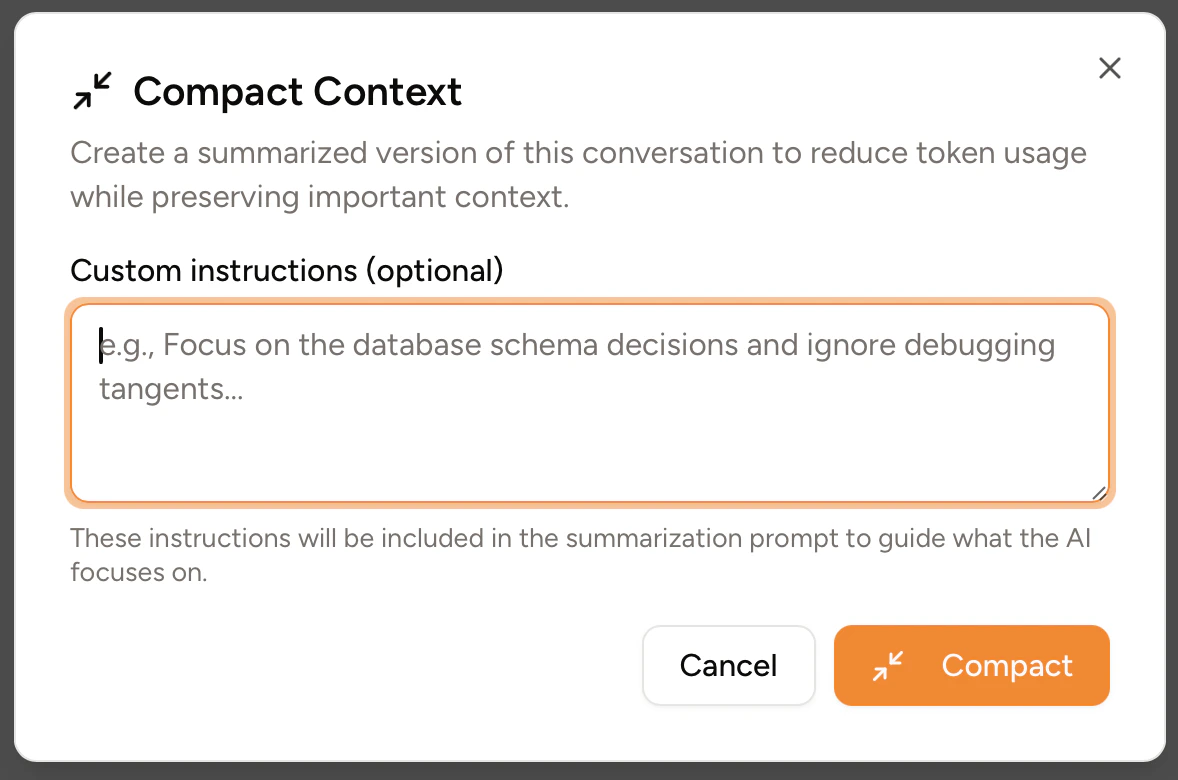
Custom instructions for compaction
If you haven’t enabled the Settings → Context Compaction → Skip custom instructions dialog setting, manually compacting a chat will trigger a dialog to open, allowing you to enter custom instructions that will be added to the system prompt sent to the summarization model.