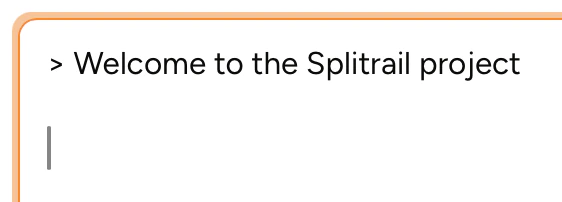
Available in Piebald Basic (Free)Frequently you may want to quote one of the model’s messages for further refinement or explanation. In Piebald, instead of just copying the text that you want to quote, you can select the text and click the Quote button just below the message:And then Piebald will insert the message directly into the message input as a markdown blockquote:Piebald also supports quoting text in plans proposed by the model.